Smile Simulator
Picture your smile with the Smile Simulator
Choose a smile makeover, straighter teeth, a missing tooth replaced or whitening, add a photo of your biggest smile and slide to compare. It’s a simulation to help you explore your options before a smile assessment.
- Four treatments to try
- Your photo is never stored
- Book an assessment from your result

Smile Simulator
AI simulation PrivateWhat would you like to see?
Add a smiling photo
- Smile wide and show as many teeth as you can
- Face the camera straight on, phone at eye level
- Use bright, even light and no filters
or drag a photo here
Your face is found on your device and only a close-up of your mouth is sent. Our AI image service keeps nothing once your simulation is made, and we never save your photo or use it to train AI. Your photo never leaves your device. The whitening simulation is made right here in your browser and is not uploaded or saved.
Creating your simulation…
This usually takes 10 to 30 seconds.
We couldn't create your simulation
Drag across the photo to compare
Your smile makeover simulation
Slide across the photo to compare your smile today with an AI simulation of porcelain veneers. Your dentist designs real veneers with you, tooth by tooth, after an examination; how they look depends on your teeth, gums and bite.
This sample is an AI-generated person, not a patient. Add your own photo to see your smile.
Book a smile makeover consultationA before-and-after image, made on your device.
Try another treatment
*The Oak & Pearl Smile Simulator shows a computer simulation for illustration only (smile makeover, straightening and missing-tooth simulations are made with AI). It is not a diagnosis, a treatment plan or a promise of results. Which treatments suit you, and how they would look, depends on your teeth, gums, bite and health, and is decided with your dentist after an examination. The whitening simulation shows an upper-end professional whitening result; typical results are about 3–8 shades lighter, and whitening does not change the colour of fillings, crowns or veneers. Treatment at Oak & Pearl Dental is provided by our general dentists.
How the Smile Simulator works
-
1Choose a treatment
A smile makeover, straighter teeth, a missing tooth replaced or whitening.
-
2Add your biggest smile
Take a selfie or upload a photo, facing the camera, showing as many teeth as you can.
-
3Slide to compare
See today and the simulation side by side, save the image, or book an assessment.
-
Private by design
Whitening stays on your device. For the others, only a close-up of your mouth is sent, and nothing is stored.
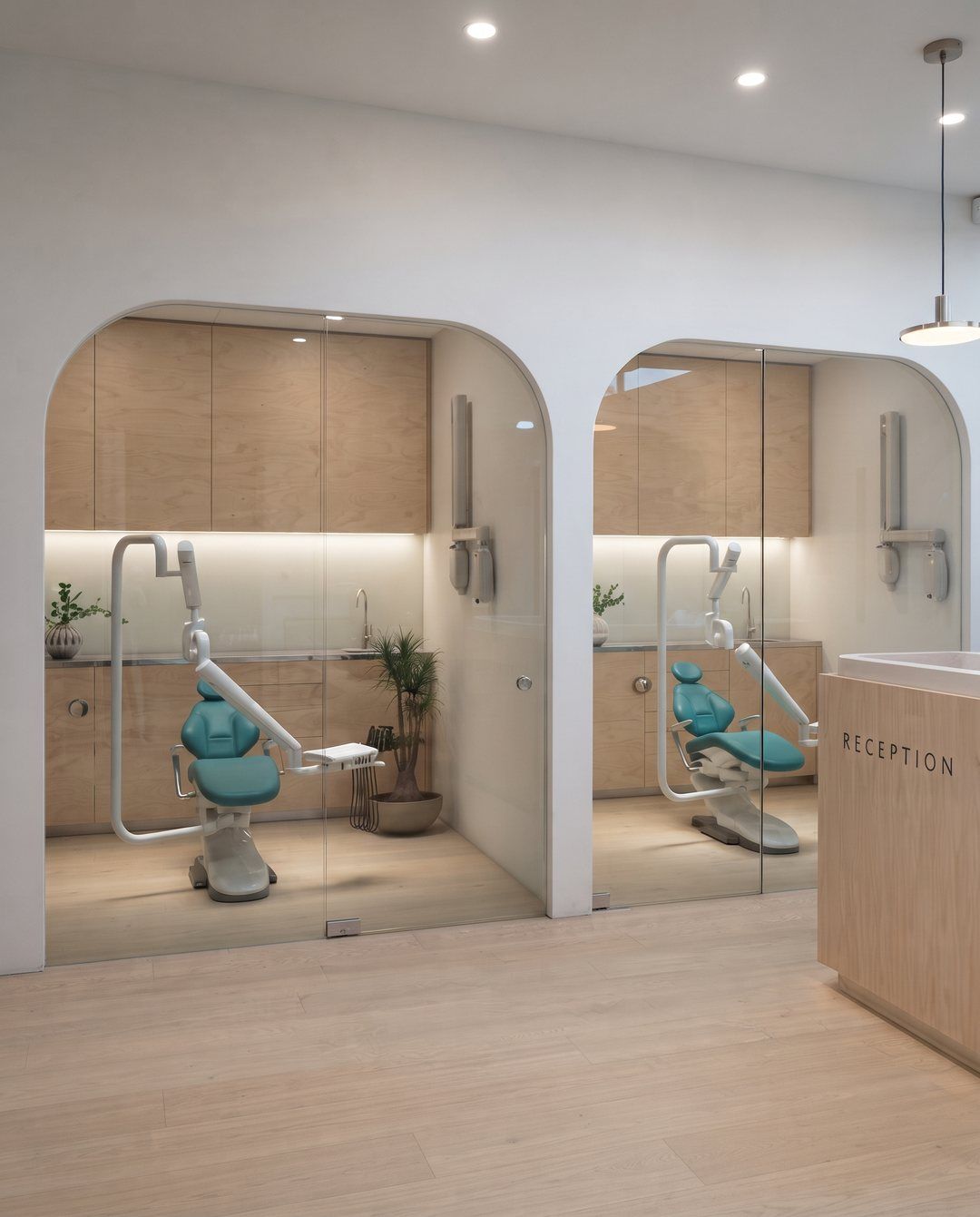
Smile enhancement
A thoughtful approach to a confident smile
Your smile is one of the first things people notice. Even small changes can make a meaningful difference, not just in appearance, but in how you feel.
More than just aesthetics
A beautiful smile is not only about how teeth look, but also how they function together. Our goal is to improve alignment, shape, colour and harmony while maintaining long-term oral health. Every recommendation is made with a focus on both appearance and function.
- Alignment
- Shape
- Colour
- Harmony
- Long-term oral health
Our philosophy is simple: enhancements should never look artificial. We focus on subtle, well-planned changes that complement your facial features and preserve the individuality of your smile.
A personalized assessment
Every smile is unique
We take the time to understand your teeth, your goals and what matters to you, then plan your care with you.
- 1
A detailed evaluation
We begin with digital scanning, imaging and a clinical assessment to understand your teeth, gums and facial proportions.
- 2
Your goals, heard
We take the time to listen to your concerns and expectations before recommending anything.
- 3
Options without pressure
We guide you through the options that suit your goals and explain the pros and cons of each, so you can decide confidently.
- 4
Planning with precision
Modern digital tools let us visualize and plan your treatment before it begins, so your smile enhancement is approached with clarity and predictability.
- 5
A clear timeline
Some options, like whitening, are quick; others, like clear aligners or veneers, may take several weeks to months. We outline the timeline before you start.
Treatment options
Treatment options may include
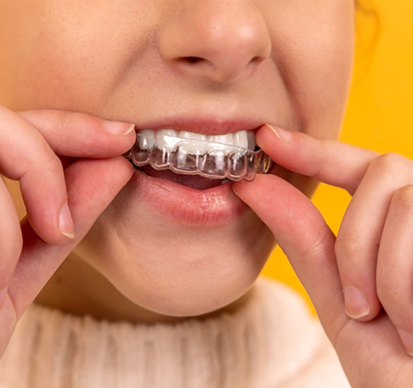
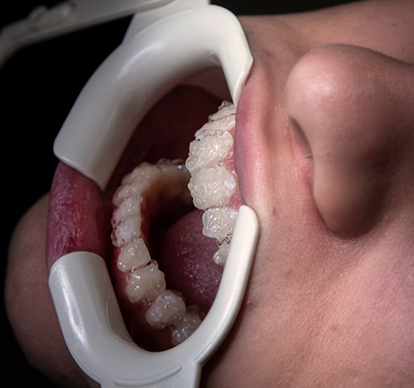
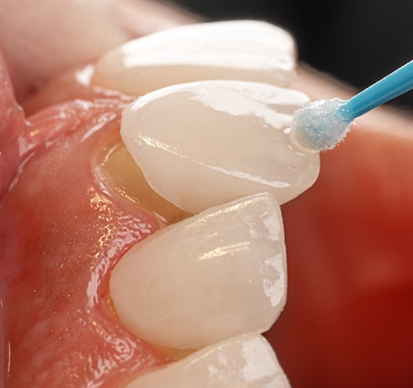
Depending on your needs, smile enhancement may involve one or more of the following.
-
-
-
-
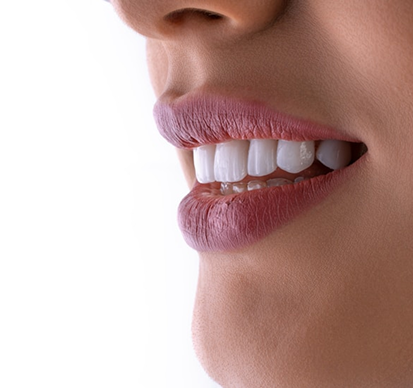
Bonding
For minor corrections and repairs.
-
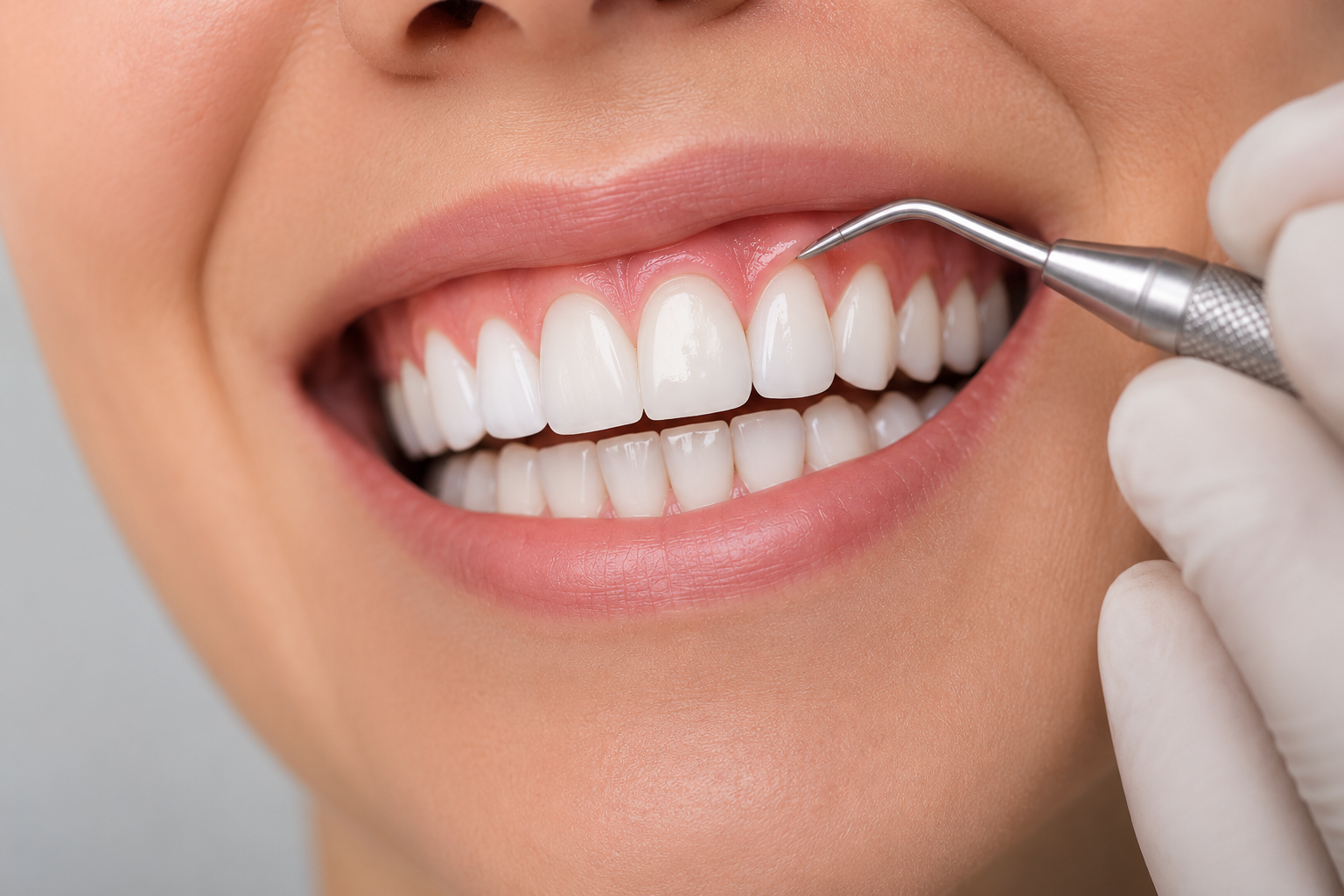
Gum contouring
To improve gum balance.
-
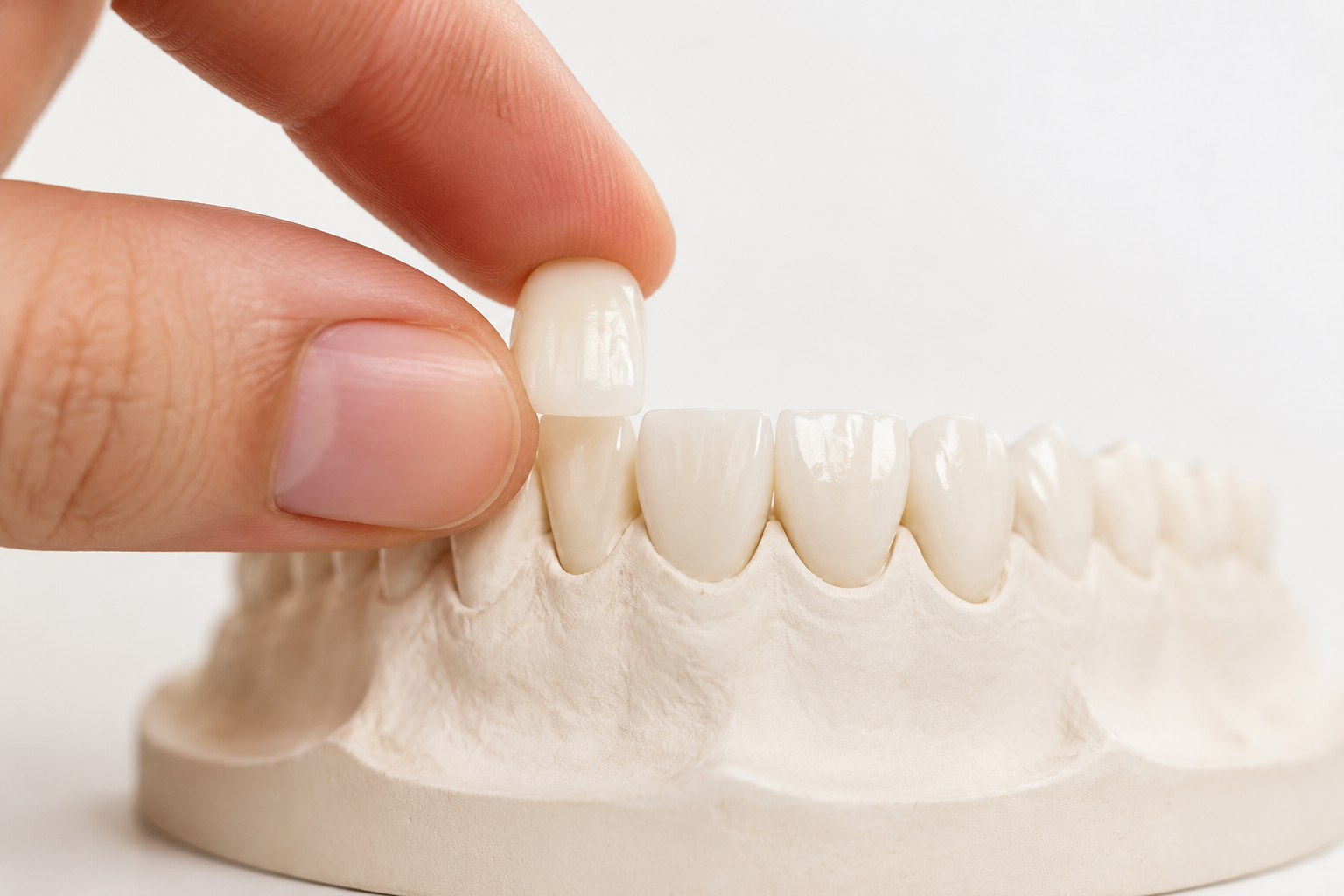
Each treatment is selected carefully, aiming for a result that looks natural and feels right for you. Missing a tooth? See dental implants, or try “Replace a missing tooth” in the simulator.
FAQ
Frequently asked questions
Answers to the questions we hear most often. If yours isn’t covered here, call us at (519) 707-3288.
What is included in smile enhancement?
Smile enhancement is a personalized combination of treatments that may include whitening, veneers, Invisalign® clear aligners, bonding or gum contouring. The goal is to improve overall balance, shape and appearance, not just one aspect of your smile.
Will my smile look natural?
Our focus is on results that look natural and suit your facial features. We aim to enhance your smile in a way that feels balanced and not overdone.
How do I know which treatment I need?
We start with a detailed assessment and a discussion of your goals. Based on that, we recommend options and explain the pros and cons of each, so you can decide confidently.
How long does smile enhancement take?
It depends on the treatment. Some options, like whitening, are quick, while others, like clear aligners or veneers, may take several weeks to months. We outline a clear timeline before starting.
Is smile enhancement only cosmetic?
While the focus is on appearance, many treatments also improve function, alignment and long-term oral health.
Will my result look like the simulation?
Not necessarily. The Smile Simulator shows a simulation to help you picture your options. Your dentist plans real treatment with you after an examination, and what can be achieved depends on your teeth, gums, bite and health.
What happens to my photo?
For whitening, your photo never leaves your device. For a smile makeover, straighter teeth or a missing tooth, your face is found on your device and only a close-up of your mouth is sent to create the simulation; our AI image service keeps nothing once it is made, and we never save your photo.
Which photo works best?
A clear, well-lit photo taken straight on, with a big, wide smile that shows as many of your teeth as possible. Avoid filters and hold the camera at eye level.
Start with a smile assessment
Book your smile assessment
Send us your details and our team will call you to find a time that suits you. We’ll help you understand what’s possible, and what’s right for you.
(519) 707-3288Monthly payment plans through iFinance, on approved credit. See payment plans